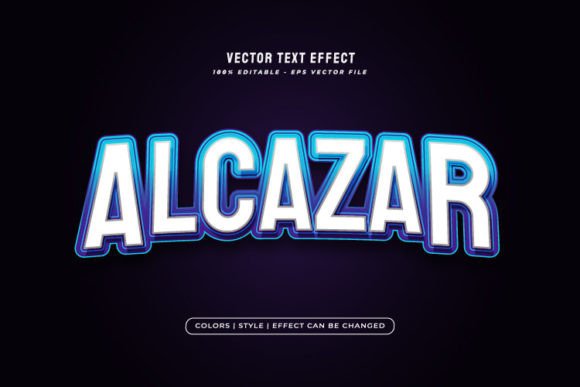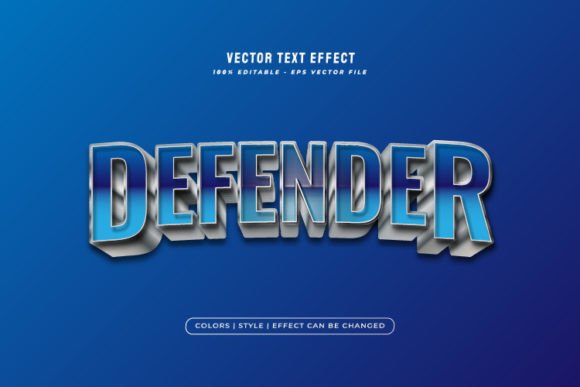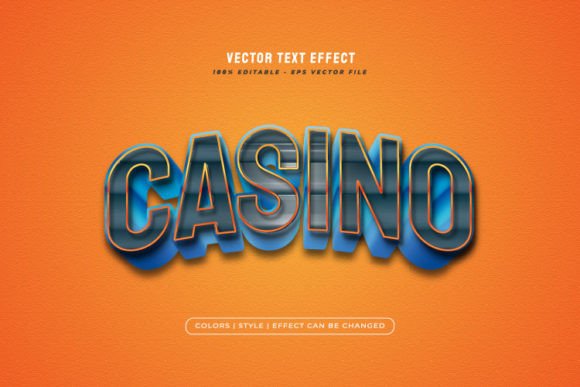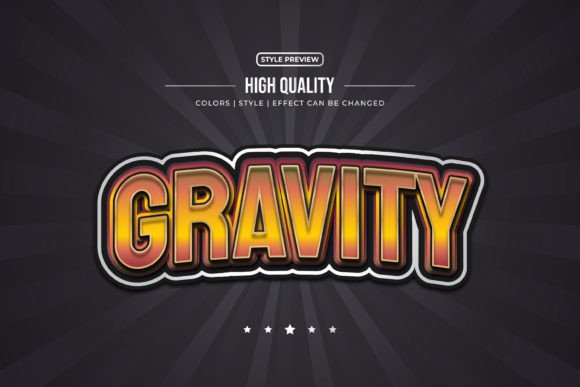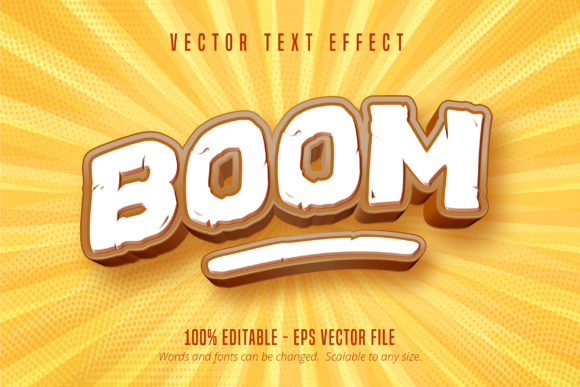
Boom Text: Dynamic Game Style Text Effect
Ever seen those explosive, dynamic headlines in video game logos or action movie posters and wished you could recreate that energy? The Boom Text, Game Style Text Effect brings that high-impact, cinematic typography directly into your Adobe Illustrator projects. It’s not a static font you type with, but a powerful, editable text effect that transforms your words into a visual statement, perfect for grabbing attention in a crowded digital space.
This design asset is built for creators who need to make a bold impression. Imagine designing a logo for an esports team, creating a poster for a gaming event, or crafting social media graphics for a new product launch. The Boom Text, Game Style Text Effect provides that ready-made, professional-grade impact. It’s a premium font effect that saves hours of manual styling, letting you focus on the bigger creative picture.
Where This Game Style Text Effect Shines
The versatility of this effect makes it a valuable addition to any designer's toolkit. Its scalable, editable nature means it fits seamlessly into a wide range of projects. Consider using it for:
- Logo & Brand Identity: Create a memorable, energetic logo for brands in entertainment, sports, or tech.
- Poster & Packaging Design: Design eye-catching event posters, product packaging, or merchandise that stands out on the shelf.
- Digital & Social Media: Craft scroll-stopping headers for websites, thumbnails for videos, or graphics for social media campaigns.
- Editorial & Invitations: Add a unique, thematic touch to magazine layouts, book covers, or special event invitations.
Tips for Choosing and Using Your Text Effect
While this Boom Text, Game Style Text Effect is incredibly easy to edit—simply open the EPS file in Adobe Illustrator and change the text—keeping a few best practices in mind will ensure the best results. First, always consider readability. A dramatic effect is useless if the message gets lost. Test your final design at different sizes, especially for web use or small print.
Next, think about mood and font pairing. This effect has a very specific, high-energy vibe. Pair it with a clean, simple sans-serif font for body text to create balance and ensure your overall design remains professional and legible. Exploring different typeface combinations within Illustrator is straightforward, allowing you to find the perfect match for your brand's voice.
Finally, always review the license. Ensure the commercial use terms align with your project, whether it's for client work, merchandise, or digital products. A well-chosen font or effect is an investment in your design's quality and your brand's consistency. The right typography elevates a project from good to great, enhancing visual appeal and strengthening brand recognition.
Choosing a well-designed asset like this editable text effect is about more than just aesthetics; it's about efficiency and impact. It provides a polished, professional look that can be difficult and time-consuming to achieve from scratch, making it a smart creative resource for any designer looking to produce compelling, game-inspired visuals.