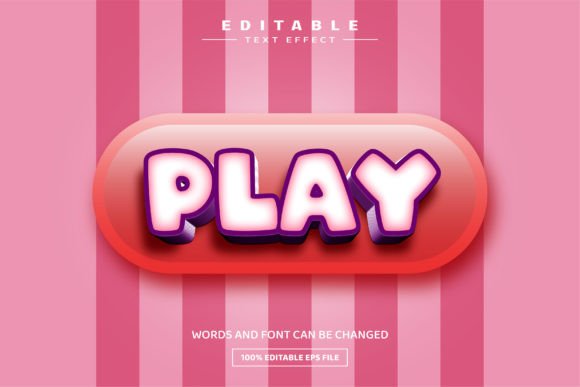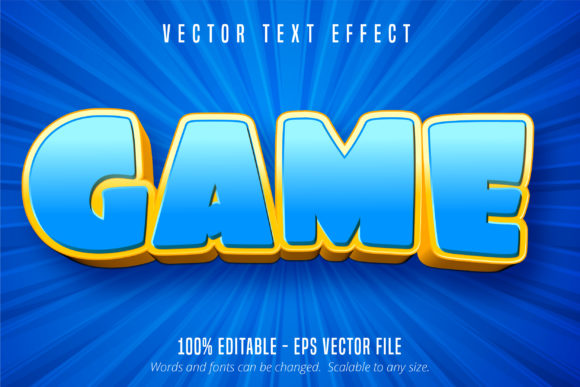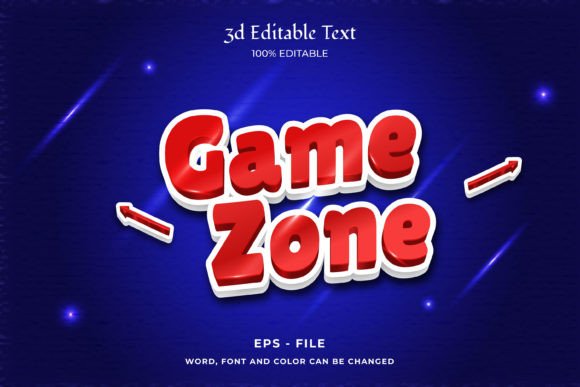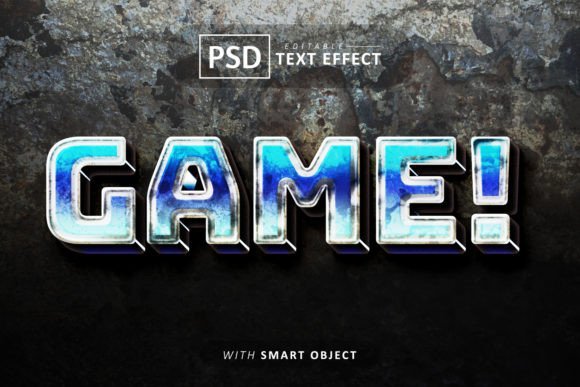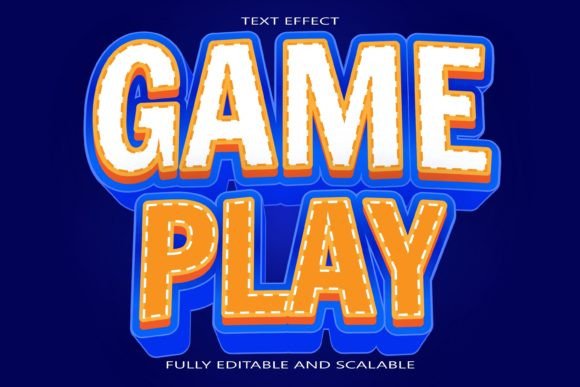
Create Dynamic Typography with Game Play Editable Text Effect
Imagine transforming any standard font into a dynamic, gaming-inspired visual statement with just a few clicks. The Game Play Editable Text Effect is a specialized design asset that brings high-impact, modern typography to your Adobe Illustrator projects. This isn't a traditional font file; it's a powerful layer style that applies a polished, dimensional effect directly to your text, making it instantly editable and scalable to any size without losing quality.
Designed for versatility, this effect works seamlessly with any font or shape you choose. Whether you're working with a bold sans serif font, an elegant script font, or a classic serif typeface, the effect adapts to your creative vision. It's an ideal solution for designers seeking to add a premium, professional touch to their work without spending hours on manual text manipulation. The result is consistently sharp, visually engaging typography that elevates the overall design.
Where Can You Use This Text Effect?
The practical applications for a tool like the Game Play Editable Text Effect are vast, fitting perfectly into numerous creative and commercial projects. Its gaming aesthetic lends itself particularly well to specific contexts, but its clean execution makes it adaptable for broader use.
- Logo and Brand Identity Design: Create memorable logos and brand marks for tech companies, esports teams, gaming platforms, or modern startups that want to convey innovation and energy.
- Poster and Event Graphics: Design eye-catching posters for tournaments, conferences, music festivals, or product launches where you need headlines that pop.
- Social Media and Digital Content: Generate scroll-stopping graphics for YouTube thumbnails, Instagram stories, Twitch banners, and promotional posts that demand attention.
- Packaging and Merchandise: Apply the effect to product packaging for tech gadgets, apparel, or merchandise to create a cohesive, high-end look that stands out on the shelf or online.
- Editorial and Web Design: Use it for chapter titles in magazines, section headers on websites, or impactful quotes in digital publications to add a layer of visual interest.
Tips for Choosing and Using the Effect
To get the most out of this design asset, consider a few practical guidelines. First, always test the effect with your chosen typeface to ensure the mood aligns with your project's goal. A heavy, geometric font will yield a different result than a thin, handwritten font. Second, pay close attention to readability, especially at smaller sizes or in body text contexts; this effect is best suited for headlines and display typography.
Font pairing is another crucial step. The effect creates a strong visual voice, so pair it with a simpler, more neutral font for body copy to maintain balance and hierarchy. Before finalizing your design, review the included EPS file to understand all editable features and ensure the license covers your intended use, whether for personal projects or commercial client work.
Choosing the right visual tools is fundamental to professional design. A well-executed text effect like this one does more than just decorate words; it strengthens visual consistency, enhances brand recognition, and communicates a specific tone instantly. By integrating a resource like the Game Play Editable Text Effect into your toolkit, you gain the flexibility to produce polished, contemporary typography that resonates with your audience and supports the core message of your project.