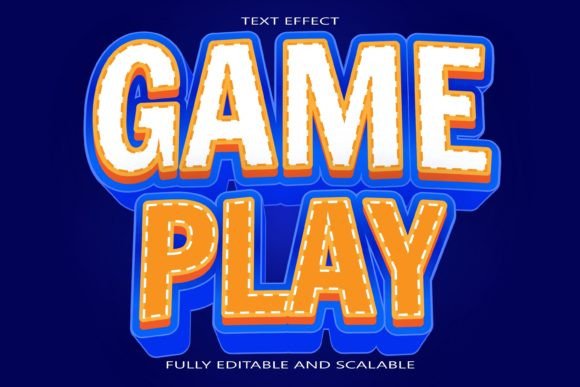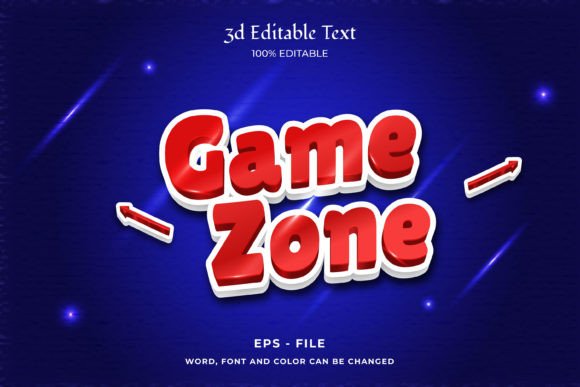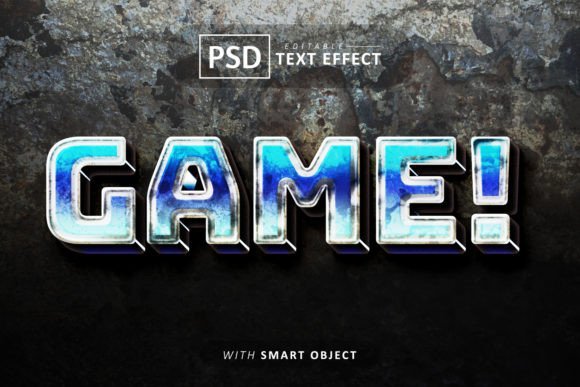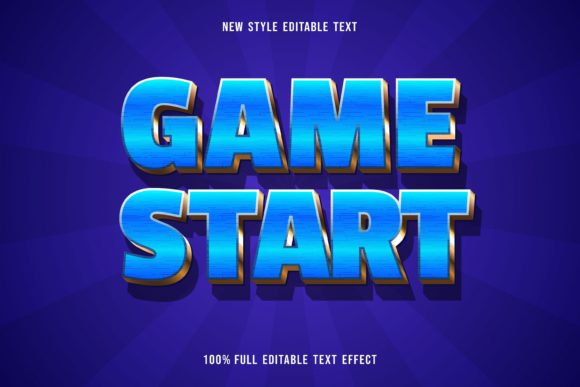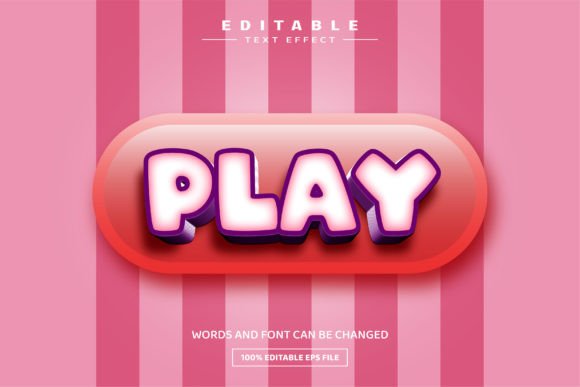
Play Game 3D Editable Text Effect: Dynamic 3D Typography
Imagine a text effect that leaps off the screen with realistic depth and dimension, instantly capturing attention. The Play Game 3D Editable Text Effect delivers exactly that, offering a powerful way to add bold, three-dimensional impact to your creative projects. This isn't just a static image; it's a fully customizable design asset built for flexibility and professional results.
At its core, this resource provides a stunning 3D text rendering that can be completely tailored to your needs. The key feature is its editability. You have full control to change the text to your own words, adjust the size, swap the font, and modify the colors to match your brand or project's aesthetic. The provided files make this process straightforward, ensuring you can achieve the exact look you envision without compromise.
Why This Editable 3D Text Effect Stands Out
Many design assets offer a single, locked style. The Play Game 3D Editable Text Effect breaks that mold by providing a versatile foundation. The included EPS file is vector-based, meaning it is 100% editable and, crucially, resizable. You can scale it from a small icon to a massive banner without any loss of quality—a vital feature for professional work across different mediums.
The package is thoughtfully designed for ease of use. It includes:
- EPS CC File: A fully editable vector file compatible with major design software like Adobe Illustrator.
- Free Font: The typeface used in the preview is included for free, with download instructions provided.
- Readme File: Contains the font name and a direct link for download, so you have everything you need to get started.
Practical Applications for Dynamic 3D Typography
The visual punch of a well-executed 3D text effect makes it ideal for a wide range of design scenarios. Consider using this effect to elevate:
- Logo and Brand Identity: Create a memorable logo mark or brand title that feels modern and engaging, perfect for gaming channels, tech startups, or entertainment brands.
- Poster and Event Design: Make concert posters, event flyers, or conference headers that demand attention in a crowded visual space.
- Social Media Graphics: Design scroll-stopping thumbnails, channel banners, or promotional posts for platforms like YouTube, Instagram, and Twitch.
- Packaging and Merchandise: Add a premium, tactile feel to product labels, apparel graphics, or merchandise designs.
- Web and UI Design: Use for hero section headlines, feature callouts, or app interfaces to add depth and visual interest.
Tips for Choosing and Using Your Font Effectively
While this effect is powerful, pairing it with the right approach ensures the best outcome. Always test the readability of your chosen text at various sizes, especially for body copy. The mood of the font should align with your project—this bold, game-inspired style suits energetic, modern, and playful contexts. Experiment with font pairing; a clean sans-serif font can balance the dynamism of the 3D effect for body text.
Before finalizing, verify the license of any font you use to ensure it covers your intended commercial use. The right typography is a cornerstone of strong visual communication. It enhances brand recognition, establishes a professional tone, and creates a cohesive experience for your audience.
Choosing a thoughtfully crafted asset like the Play Game 3D Editable Text Effect is an investment in your design toolkit. It provides the creative control and visual quality needed to produce polished, standout work that resonates with viewers and elevates the overall impact of your projects.