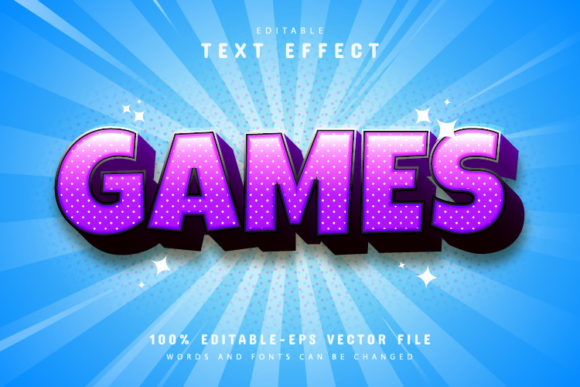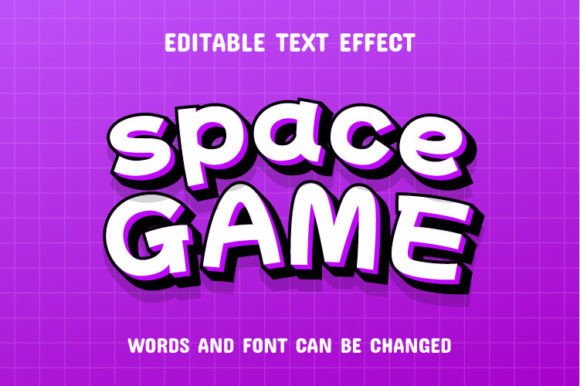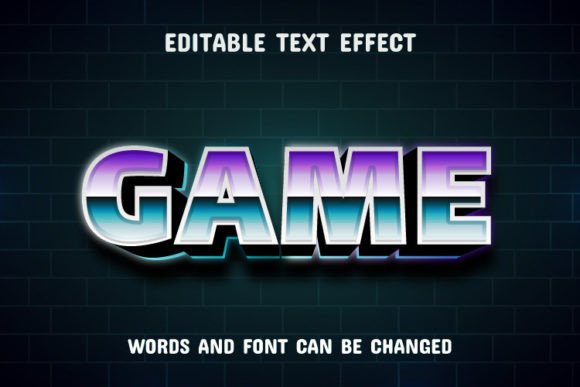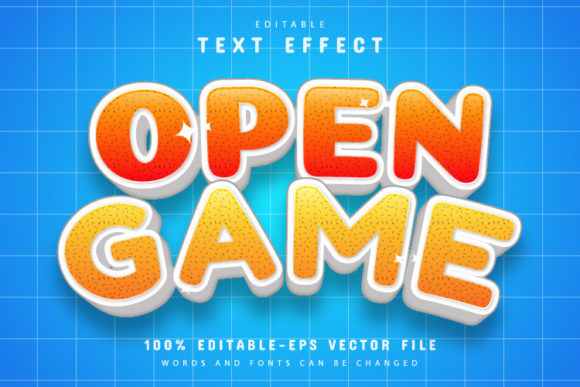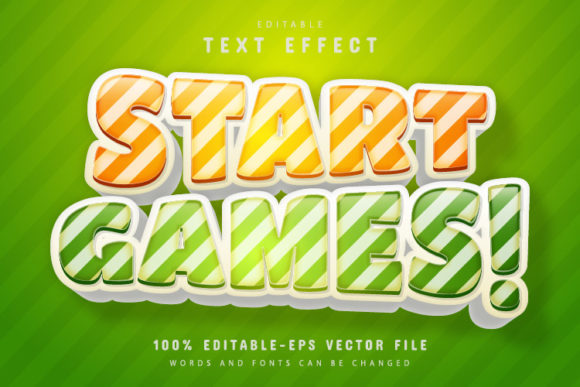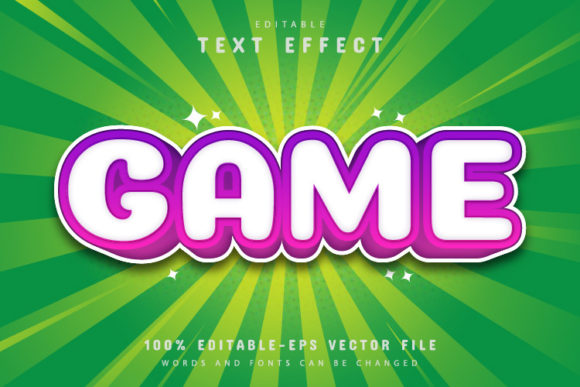
Game Text: Comic Style Text Effect
Every great design tells a story, and sometimes, the most powerful stories are told through bold, dynamic typography. Imagine capturing the explosive energy of a vintage comic book panel or the thrilling excitement of a classic arcade game in a single word. That’s the creative promise of the Game Text - Comic Style Text Effect. This design asset is more than just a font; it’s a fully editable vector toolkit crafted to inject instant personality and visual punch into your projects, making it an essential resource for any modern designer’s library.
Unleash Creative Flexibility with Vector Power
What truly sets this collection apart is its foundation in scalable vector graphics. Unlike rasterized text effects that lose clarity when resized, this package provides you with pristine EPS files. Whether you're designing a massive billboard or a tiny favicon, you can enlarge or reduce the size to your heart's content within Adobe Illustrator, and the quality will never decrease. This ensures your final product looks crisp, professional, and perfectly polished across all mediums, from large-format printing to high-resolution digital displays.
Key Features for Seamless Workflow
This asset is built for both convenience and complete creative control. It’s designed to remove technical barriers so you can focus on your vision. The package includes both EPS and JPG formats, ensuring compatibility with your preferred workflow. Most importantly, the text is 100% editable. You aren't locked into a pre-written phrase; you have the freedom to type whatever you need and apply this stunning comic style effect instantly.
- Fully Editable Vector: Modify every aspect of the design in Adobe Illustrator.
- Unlimited Color Variations: Change the color palette to match any brand identity or mood.
- No Skill Requirement: The process is simple—select the text tool, click, and type.
- Free Font Information: Includes details on the complementary fonts used.
Perfect Applications for Comic Style Typography
The versatility of this text effect makes it suitable for a wide range of design applications. If you are working on a project that needs to grab attention immediately, this style is your answer. It is particularly effective for:
- Logo Design & Branding: Create a memorable brand identity for gaming channels, entertainment blogs, or retro-themed businesses.
- Poster & Packaging Design: Make product packaging pop off the shelf or create event posters that demand attention.
- Social Media Graphics: Stop the scroll with engaging thumbnails, banners, and promotional posts.
- Merchandise: Design unique t-shirts, mugs, and stickers that fans will love.
Tips for Choosing and Pairing Fonts
When integrating a display font like this into your layout, context is key. Because the comic style is bold and expressive, it pairs best with cleaner, simpler sans serif or serif fonts for body text. This contrast ensures readability while maintaining visual interest. Always consider the mood of your project; this effect thrives in environments that are fun, energetic, or action-oriented. Before finalizing your design, test the letter spacing and kerning to ensure the text flows naturally and remains legible at the intended size.
Ultimately, selecting a high-quality design asset like the Game Text - Comic Style Text Effect is an investment in your creative toolkit. It allows you to elevate standard text into a focal point of your design, helping you communicate with more impact and style. By leveraging its editable features and vector precision, you can ensure your work stands out with a professional, cohesive look that resonates with your audience.