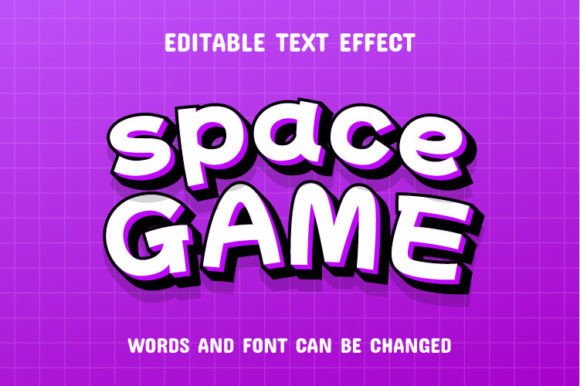
Space Game 3D Text Effect: A Cosmic Design Tool
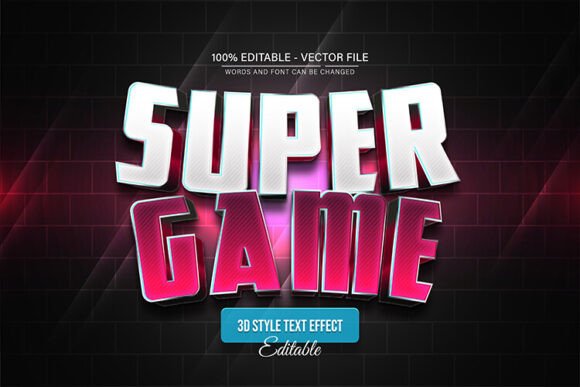
Imagine transforming ordinary headlines into dynamic, eye-catching 3D text that feels like it belongs in a futuristic arcade or a sci-fi blockbuster. The Space Game 3D Text Effect is a premium design asset crafted to do exactly that. This isn't just a font; it's a creative toolkit that applies a stunning dimensional effect to your words, making them pop off the screen with a sleek, modern typography style perfect for projects that demand attention.
What Makes This Text Effect Special?
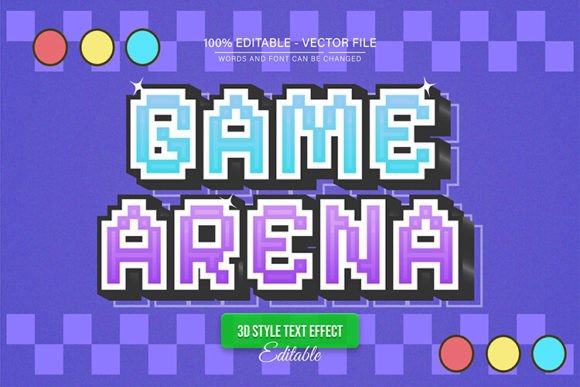
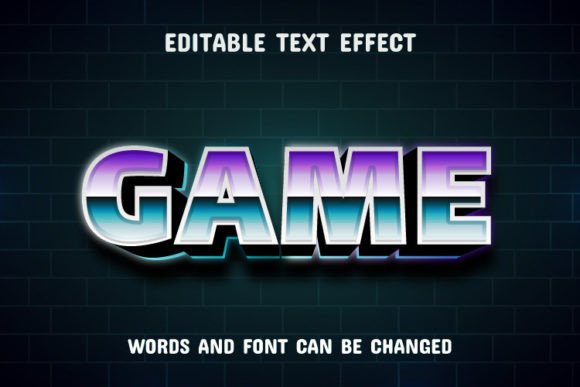
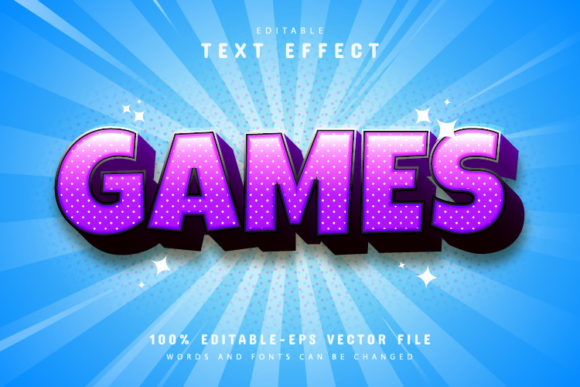
Unlike a standard serif font or a simple sans serif typeface, this effect provides a complete, stylized look. It's designed for display purposes, where visual impact is key. The 3D rendering gives depth and texture to your lettering, evoking a sense of technology, gaming, and interstellar adventure. Since it's 100% editable, you maintain full control. Adjust colors, modify layers, and tweak the perspective within Adobe Illustrator to match your exact vision, making it a versatile component of your design assets library.
Ideal Use Cases for Creative Projects
The applications for a dynamic text effect like this are broad and exciting. It’s particularly effective for:
- Logo Design & Brand Identity: Create a memorable wordmark for a tech startup, a gaming channel, or an esports team that needs a modern, energetic vibe.
- Poster & Event Design: Design compelling visuals for music festivals, game launches, movie posters, or convention banners where the title needs to make a strong statement.
- Social Media Graphics: Craft scroll-stopping headers, thumbnails, or promotional posts that stand out in a crowded feed, especially for YouTube or Twitch branding.
- Packaging & Merchandise: Apply the effect to product labels, apparel designs, or merchandise for a unique, tactile feel that translates well to print.
Tips for Using the Space Game Effect
To get the most out of this creative font, consider these practical tips. First, always test for readability at the size you intend to use it. While it's fantastic for large headlines, it may not be suitable for body text. Pair it with a clean, complementary font for supporting copy to maintain visual hierarchy. For instance, a simple geometric sans serif can balance the complexity of the 3D effect.
When editing the EPS files in Illustrator, explore how changing the color palette can shift the mood. A neon palette suits a cyberpunk theme, while metallic gradients might fit a luxury or automotive project. This flexibility allows the same core asset to serve vastly different brand identities and editorial designs.
Making a Smart Choice
Choosing the right font or effect is about more than just aesthetics. Consider the license to ensure it covers your intended use, whether for personal projects or commercial client work. Review the included files—having both editable EPS and preview JPGs helps streamline your workflow. A well-chosen display font or effect like this one can elevate your design from amateur to professional, adding a layer of polish and intentionality that resonates with your audience.
In the world of design, the details make the difference. A carefully crafted text effect provides a shortcut to a high-end, customized look, saving you time while expanding your creative possibilities. Whether you're building a brand from the ground up or adding a special touch to a one-off project, investing in quality design assets is a step toward more compelling and effective visual communication.