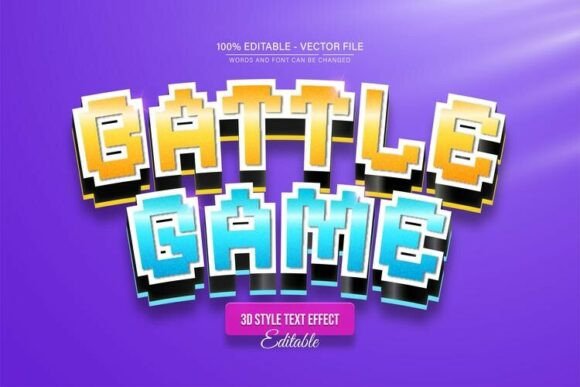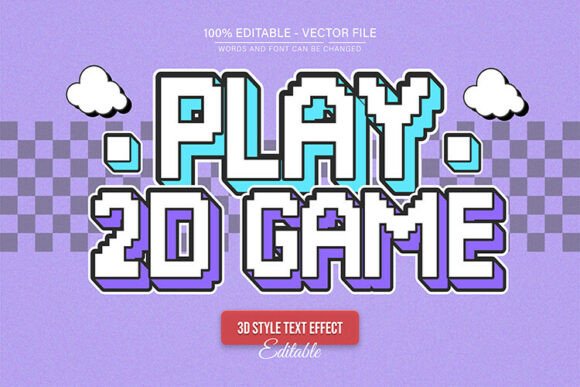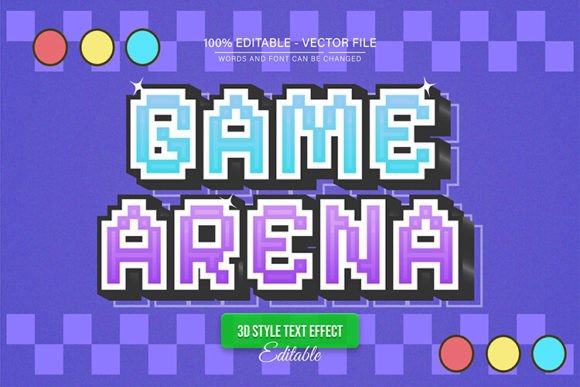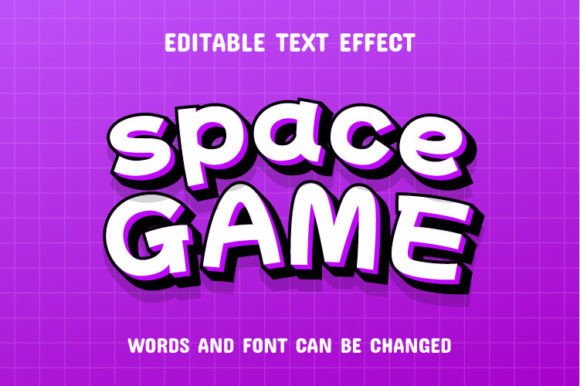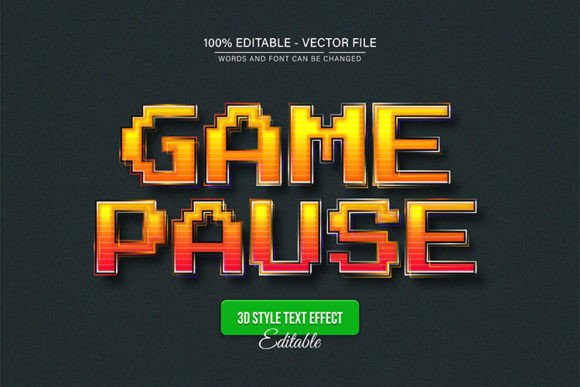
Yellow Pixel Game Pause Text Effect
Imagine the moment a game pauses, that sudden shift in energy frozen in time, captured in bold, pixelated typography. This specific aesthetic is exactly what the Yellow Pixel Game Pause Text Effect brings to your creative toolkit. It is more than just a typeface; it is a fully editable vector design that taps into the nostalgia of classic gaming while offering modern flexibility for today's digital landscape. If you are looking to inject a sense of urgency, action, or retro flair into your work, this design asset provides a unique visual language that standard fonts simply cannot replicate.
One of the standout features of this design asset is its complete scalability and editability. Because it is built as a vector, you can enlarge or reduce the size in Adobe Illustrator without ever compromising the quality. This ensures your graphics remain crisp whether they are displayed on a massive poster or a small mobile screen. The package includes both EPS and JPG formats, making it adaptable for various software environments. Furthermore, the text is fully editable, allowing you to change the message to fit your specific campaign needs while maintaining the original, authentic pixel effect.
Creative Applications and Design Flexibility
The versatility of the Yellow Pixel Game Pause Text Effect makes it a valuable asset for a wide range of projects. Its distinct style is perfect for:
- Gaming and Streaming Assets: Create overlays, stream alerts, or thumbnails that resonate with the gaming community.
- Poster and Editorial Design: Use it for headlines in magazines or event posters to grab immediate attention with a retro-modern vibe.
- Merchandise and Packaging: Apply the effect to t-shirts, stickers, or product packaging to target a niche audience that appreciates vintage tech aesthetics.
- Social Media Graphics: Stand out in crowded feeds with bold, pixelated text that cuts through the noise.
Designers often struggle to find the right balance between style and usability. This asset solves that by offering unlimited color variations. You can easily adjust the colors within Adobe Illustrator to match your brand identity or specific color palette. Whether you are designing a logo, a web banner, or a digital invitation, the ability to customize the hue ensures the effect integrates seamlessly into your existing design system.
Practical Tips for Implementation
When working with this text effect, keep a few practical considerations in mind to maximize its impact. First, consider the font pairing. Since this effect is highly decorative, it pairs best with clean, simple sans-serif fonts for body text to ensure readability. A modern sans-serif can provide a nice contrast, allowing the pixel effect to remain the focal point without overwhelming the viewer.
Second, always check the mood of your project. This particular style evokes a sense of nostalgia and digital culture. It works exceptionally well for branding related to tech, entertainment, or youth culture, but might feel out of place in ultra-corporate or traditional luxury contexts. Finally, ensure your license covers your intended use, whether for personal merchandise or commercial client work. By taking the time to customize the text and choose the right context, you can elevate your design from a simple graphic to a polished, professional piece of visual communication.