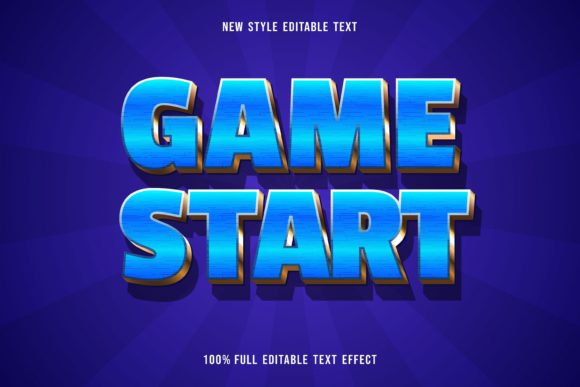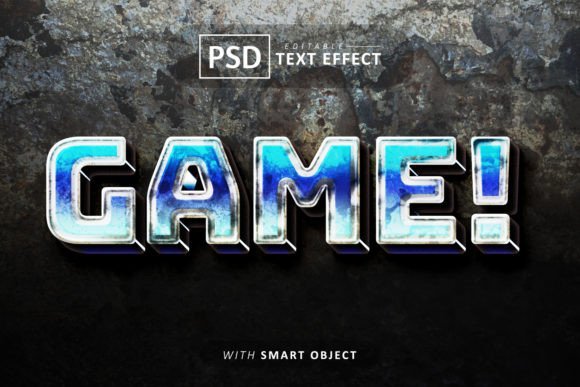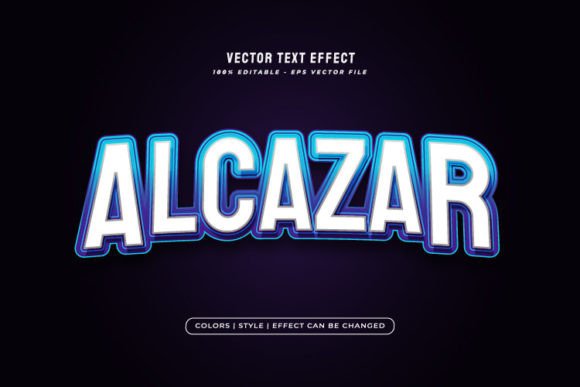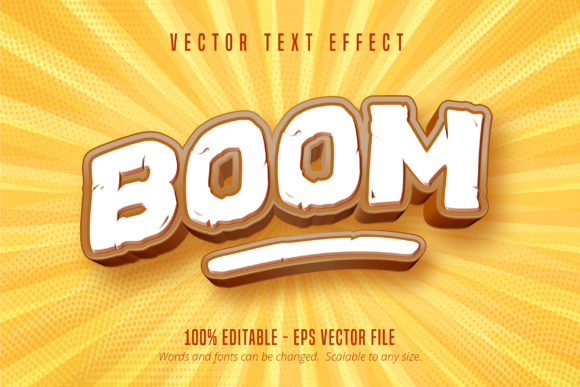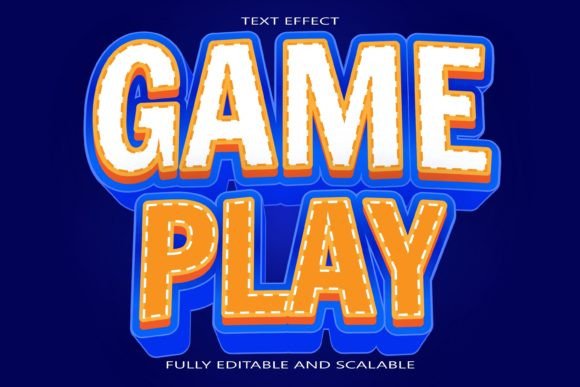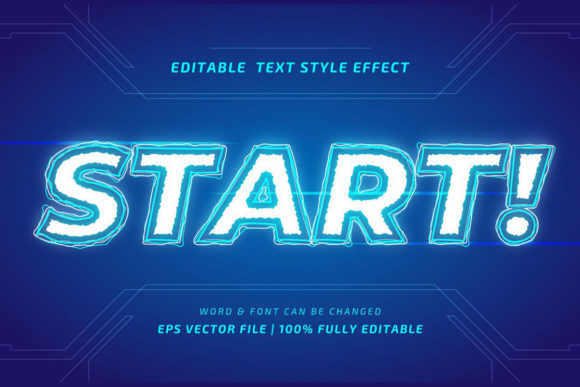
Start Game Editable Vector Text Style for Dynamic Designs
Creating typographic designs has never been easier. Simply by using this Text Style Effect, you will get a very beautiful, professional, and elegant typographic design. The Start Game Editable Vector Text Style is a powerful design asset crafted for creators who want to elevate their projects with striking, game-inspired typography without spending hours on manual effects.
This resource is designed to integrate seamlessly into your workflow. You will receive a fully editable vector file, meaning every shape, color, and object can be customized in Adobe Illustrator. The files are provided in a high-resolution, well-organized format with RGB color mode, making them ready for both digital and print applications. The font itself is not included, but the style is engineered to work beautifully with every font or shape, offering incredible flexibility for your creative vision.
Where Can You Use This Typography Style?
The bold, energetic aesthetic of this text effect makes it a fantastic choice for a variety of projects. Consider using it to inject dynamism and a modern edge into your designs. It is particularly effective for:
- Logo Design & Brand Identity: Create a memorable brand mark for a tech startup, gaming channel, sports brand, or modern apparel company. The style conveys motion, energy, and a forward-thinking attitude.
- Poster & Packaging Design: Grab attention instantly on posters for events, product launches, or music promotions. It’s also ideal for packaging that needs to stand out on a shelf, especially for snacks, beverages, or youth-oriented products.
- Social Media Graphics & Web Design: Make your content pop in crowded feeds. Use it for eye-catching Instagram stories, YouTube thumbnails, or website headers that demand a second look. The vector format ensures crisp visuals on any screen size.
- Merchandise & Editorial Layouts: Apply it to t-shirt designs, stickers, or digital products. In editorial design, it can be used for magazine headlines or chapter titles to create a strong visual impact.
Tips for Choosing and Using Your Font
When selecting a typeface to pair with the Start Game Editable Vector Text Style, think about the overall mood of your project. A bold, geometric sans-serif font often complements the style perfectly, enhancing its modern feel. However, don’t be afraid to experiment with a clean serif for a surprising contrast or a script font for a touch of elegance.
Always test for readability at the size it will be displayed. While the style is designed for impact, ensuring your message is clear is paramount. Review the color options within the editable file to match your brand’s palette precisely. Finally, confirm the licensing of any font you choose to pair it with, especially if your project is for commercial use.
Choosing a well-designed typographic style is about more than just aesthetics; it’s about finding a tool that enhances your creative expression and delivers a professional result. This particular effect offers a unique blend of customizable vector quality and dynamic visual appeal, helping you build cohesive, recognizable designs that truly engage your audience. It’s a valuable asset for any designer looking to add a powerful, polished typographic element to their toolkit.